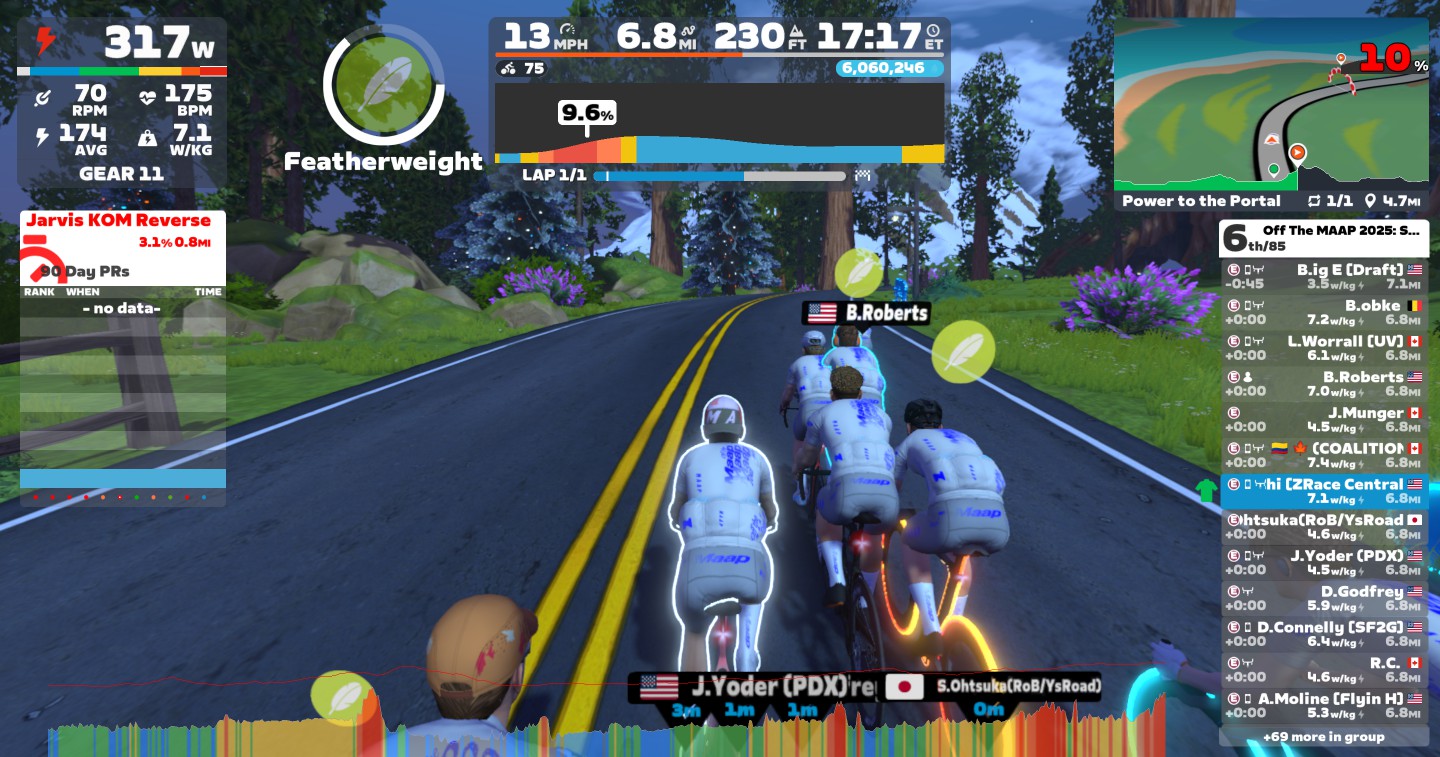
In this guide, I’ll provide a step-by-step guide to connecting your Zwift account to Strava so that your rides will automatically upload to Strava.

Step 1: Open Zwift Companion or Zwift.com
First, you’re going to need to either download the Zwift Companion app or use the Zwift.com account manager.
For Zwift Companion users, log in to your Zwift account and open the “More” tab. Then, open your settings.


For Zwift.com users, log in to your Zwift account and hit the “Account” link in the upper right-hand corner.

Step 2: Locate “Connections” Tab
Then, navigate to connections (this is the same for both Zwift Companion and the Zwift.com)


Step 3: Hit “Connect” or “+”
Hitting the “connect” link on the Zwift website or the “+” icon in Zwift Companion will take you to a login page on Strava.


Step 4: Enter Log In Info & Authorize
Once you enter your Strava log in information into the fields and check the boxes to authorize the connection, you are good to go! Your app should now display that it is connected to Strava.


Important note: Your old rides will not sync. Only rides completed after initiating the connection will be synced to Strava.